The Hidden Cost of Import Chains
You open a seemingly simple file in your codebase:
// src/api/user-profile.ts (52 lines)
import { validateUser } from './validators';
import { formatResponse } from './formatters';
import { logRequest } from './logger';

export async function getUserProfile(userId: string) {
  validateUser(userId);
  const user = await fetchUser(userId);
  logRequest('getUserProfile', userId);
  return formatResponse(user);
}
Looks clean, right? Just 52 lines, three imports, straightforward logic. But when your AI assistant tries to understand this file, here's what actually gets loaded into its context window:
src/api/user-profile.ts           52 lines    1,245 tokens
  └─ validators.ts                 89 lines    2,134 tokens
       └─ validation-rules.ts      156 lines   3,721 tokens
       └─ error-types.ts            41 lines     982 tokens
  └─ formatters.ts                 103 lines   2,456 tokens
       └─ format-utils.ts           78 lines    1,867 tokens
  └─ logger.ts                      67 lines    1,603 tokens
       └─ log-transport.ts          124 lines   2,967 tokens
       └─ log-formatter.ts          91 lines    2,178 tokens

Total: 801 lines, 19,153 tokens
Your 52-line file just became a 19,153-token context load. That's 366x more expensive than it appears. And your AI assistant has to load all of this to understand your simple function.
This is especially painful for vibe coders - you're burning tokens twice: once when AI generates the code, and again every time future AI needs to understand what it created.
This is the hidden cost of import chains—and it's one of the biggest reasons AI struggles with your codebase.
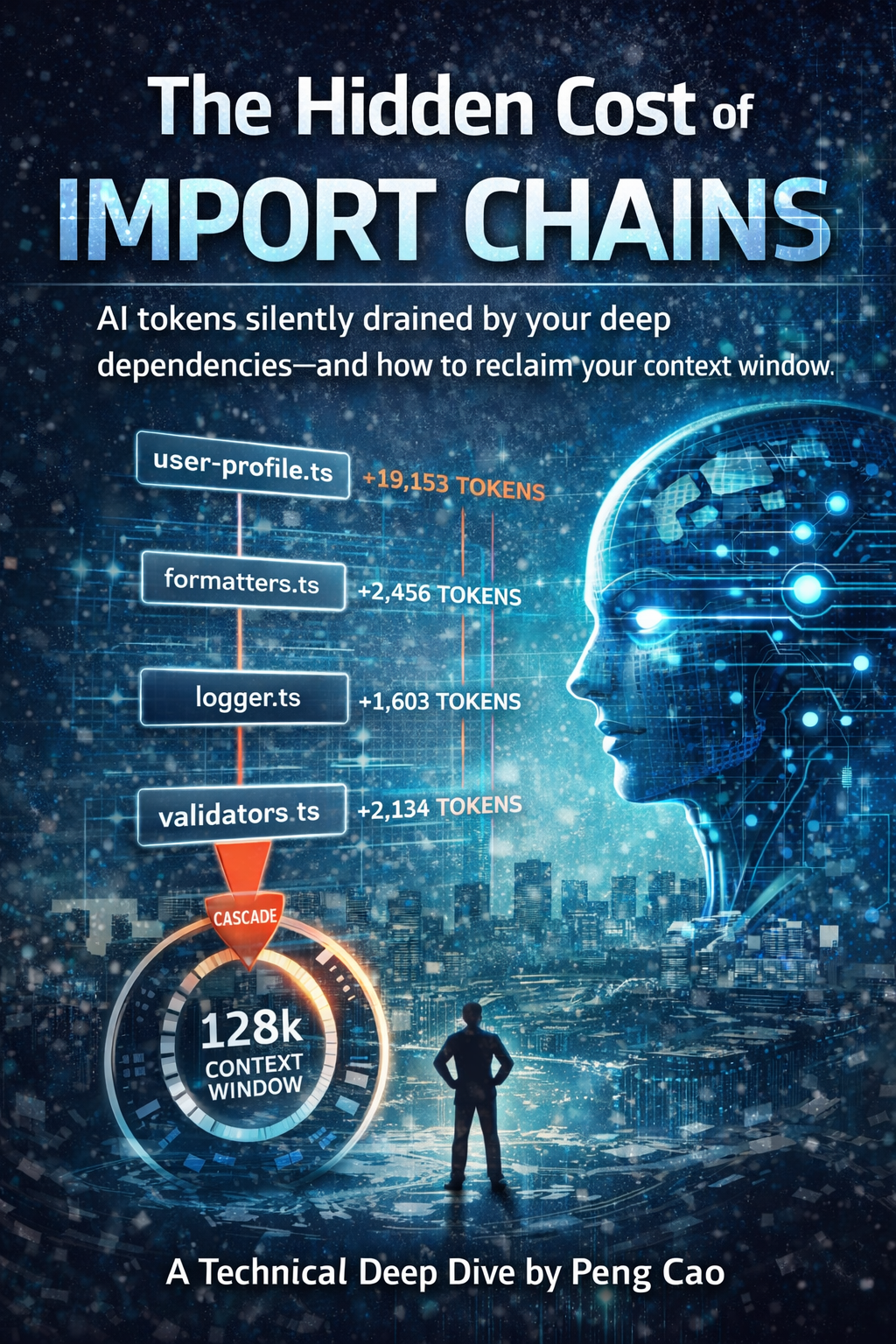
Every import creates a cascading context cost that adds up quickly.
The Context Window Crisis
Every import creates a cascading context cost:
- Direct dependencies: Files you import
- Transitive dependencies: Files your imports import
- Type dependencies: Interfaces and types needed for understanding
- Implementation depth: How deep the chain goes
Modern AI models have context windows of 128K-1M tokens. Sounds like a lot, right? But in a real codebase:
- Average file: 200-300 lines = 4,800-7,200 tokens
- With direct imports: 800-1,200 lines = 19,200-28,800 tokens
- With deep chains: 2,000+ lines = 48,000+ tokens
- Multiple related files: Context exhaustion
Suddenly that 128K context window doesn't feel so spacious. Add a few related files to analyze a feature, and your AI is already hitting limits—or worse, truncating critical context.
For vibe coders, this is especially sneaky - you ask AI 'add user authentication' and it writes 8 files with deep import chains. You're not just paying for the generation - you're paying every time future AI needs to understand that code.
Real-World Impact: The receiptclaimer Analysis
When I ran @aiready/context-analyzer on receiptclaimer's codebase, I discovered patterns that shocked me:
Before Refactoring:
Average context budget per file: 12,450 tokens
Maximum depth: 7 levels
Fragmented domains: 4 (User, Receipt, Auth, Payment)
Low cohesion files: 23 (43% of analyzed files)

Top offenders:
- src/api/receipt-processor.ts: 47,821 tokens (cascade depth: 7)
- src/services/user-service.ts: 38,945 tokens (cascade depth: 6)
- src/api/payment-handler.ts: 35,102 tokens (cascade depth: 6)
After Refactoring:
Average context budget per file: 4,780 tokens (-62%)
Maximum depth: 4 levels
Fragmented domains: 2 (consolidated User+Auth, Receipt+Payment)
Low cohesion files: 5 (9% of analyzed files)

Top files (now optimized):
- src/api/receipt-processor.ts: 8,234 tokens (depth: 3)
- src/services/user-service.ts: 6,891 tokens (depth: 3)
- src/api/payment-handler.ts: 7,445 tokens (depth: 4)
Impact on AI Performance:
- Response time: Avg 8.2s → 3.1s (62% faster)
- Context truncation errors: 34 → 2 (94% reduction)
- Suggestions quality: Subjectively much better, AI now references correct patterns
- Developer satisfaction: "AI finally gets what I'm trying to do"
The Four Dimensions of Context Cost
@aiready/context-analyzer measures four key metrics:
1. Import Depth (Cascade Levels)
How many layers deep your dependencies go:
// Depth 0: No imports
export function add(a: number, b: number) {
  return a + b;
}

// Depth 1: Direct imports only
import { add } from './math';
export function calculate(x: number) {
  return add(x, 10);
}

// Depth 3+: Deep chain (EXPENSIVE)
import { processUser } from './user-processor';  // imports 5 files
  // └─ which imports './validators'             // imports 3 files
  //     └─ which imports './validation-rules'   // imports 2 files
Rule of thumb:
- Depth 0-2: ✅ Excellent (< 5,000 tokens)
- Depth 3-4: ⚠️ Acceptable (5,000-15,000 tokens)
- Depth 5+: ❌ Expensive (15,000+ tokens)
2. Context Budget (Total Tokens)
The total number of tokens AI needs to understand your file:
// Small budget (< 3,000 tokens)
// File: 120 lines, 1 import, shallow dependency
import { API_URL } from './config';
export function fetchUser(id: string) {
  return fetch(`${API_URL}/users/${id}`);
}

// Large budget (> 20,000 tokens)
// File: 200 lines, 8 imports, deep dependencies
import { validateInput } from './validators';     // +4,500 tokens
import { transformData } from './transformers';   // +6,200 tokens
import { enrichUser } from './enrichment';        // +8,100 tokens
import { formatResponse } from './formatters';    // +3,800 tokens
// ... more imports ...
Target zones:
- < 5,000 tokens: ✅ AI-friendly
- 5,000-15,000 tokens: ⚠️ Monitor
- 15,000+ tokens: ❌ Refactor needed
3. Domain Fragmentation
How scattered your related logic is across files:
// FRAGMENTED (user logic in 8 files)
src/api/user-login.ts           // Authentication
src/api/user-profile.ts         // Profile management
src/services/user-validator.ts  // Validation
src/utils/user-formatter.ts     // Formatting
src/models/user-types.ts        // Types
src/db/user-repository.ts       // Data access
src/middleware/user-auth.ts     // Auth middleware
src/helpers/user-utils.ts       // Utilities

// CONSOLIDATED (user logic in 3 files)
src/domain/user/
  ├─ user.service.ts            // Core business logic
  ├─ user.repository.ts         // Data access
  └─ user.types.ts              // Types and interfaces
Why fragmentation matters:
When AI tries to understand user-related features, it must:
- Load 8 separate files (fragmented) vs 3 files (consolidated)
- Parse 3,200+ lines vs 800 lines
- Navigate 24+ imports vs 6 imports
- Build mental model across scattered context vs cohesive modules
4. Cohesion Score
How well a file focuses on one responsibility:
// LOW COHESION (mixed concerns)
// user-service.ts
export class UserService {
  validateEmail() { /* validation logic */ }
  sendEmail() { /* email sending logic */ }
  formatUserName() { /* formatting logic */ }
  logUserAction() { /* logging logic */ }
  encryptPassword() { /* crypto logic */ }
  renderUserProfile() { /* rendering logic */ }
}

// HIGH COHESION (single responsibility)
// user-service.ts
export class UserService {
  createUser() { /* user creation */ }
  updateUser() { /* user updates */ }
  deleteUser() { /* user deletion */ }
  getUserById() { /* user retrieval */ }
}
Cohesion calculation:
The tool analyzes:
- Method names and their similarity
- Import types (business logic vs utilities vs external)
- File path and naming conventions
- Return types and parameter types
Scores:
- 80-100%: ✅ Highly cohesive (focused responsibility)
- 60-79%: ⚠️ Moderate cohesion (some mixing)
- < 60%: ❌ Low cohesion (refactor into separate modules)
Migration Strategy: How to Refactor Without Breaking Everything
Refactoring deep import chains is scary. Here's how to do it safely:
Step 1: Measure Current State
# Generate baseline report
npx @aiready/context-analyzer ./src --output baseline.json

# Identify top offenders
npx @aiready/context-analyzer ./src --sort-by budget --limit 10
Step 2: Prioritize Refactoring
Focus on:
- High-traffic files: API handlers, services, core business logic
- High-budget files: > 15,000 tokens
- Deep chains: Depth > 5
- Low cohesion: Score < 60%
Step 3: Create Domain Boundaries
Before (scattered):
src/
  ├─ api/
  ├─ services/
  ├─ utils/
  ├─ formatters/
  ├─ validators/
  └─ helpers/

After (domain-driven):
src/
  ├─ domain/
  │   ├─ user/
  │   │   ├─ user.service.ts
  │   │   ├─ user.repository.ts
  │   │   └─ user.types.ts
  │   ├─ receipt/
  │   └─ payment/
  └─ infrastructure/
      ├─ api/
      └─ database/
Step 4: Refactor Incrementally
Week 1: Consolidate one domain (e.g., User)
Week 2: Consolidate another domain (e.g., Receipt)
Week 3: Update imports across codebase
Week 4: Remove old files, update tests
Step 5: Verify Improvements
# Generate new report
npx @aiready/context-analyzer ./src --output after.json

# Compare
npx @aiready/cli compare baseline.json after.json
Best Practices
✅ Do:
- Co-locate related logic: Keep domain logic together
- Inline simple utilities: < 20 lines, used in one place
- Use dependency injection: Makes testing easier, reduces coupling
- Create thin adapters: For external services, databases
- Measure regularly: Track context budget over time
❌ Don't:
- Over-abstract: Not everything needs a separate file
- Create deep hierarchies: Flat is better than nested
- Split prematurely: Extract only when reused 3+ times
- Ignore cohesion: Low cohesion = mixed concerns = high context cost
- Refactor blindly: Understand dependencies before moving code
The Bottom Line
Import chains are invisible expensive. Every import adds context cost that:
- Slows down AI responses
- Increases token usage (costs money on paid APIs)
- Causes context truncation errors
- Makes AI suggestions less accurate
But unlike many optimization problems, this one has clear metrics and actionable fixes:
- Measure: Run context-analyzer to see your current state
- Prioritize: Focus on high-budget, deep-chain, low-cohesion files
- Refactor: Consolidate domains, inline utilities, remove unnecessary abstractions
- Verify: Measure again, track improvements over time
*Peng Cao is the founder of receiptclaimer and creator of aiready, an open-source suite for measuring and optimising codebases for AI adoption.*
Join the Discussion
Have questions or want to share your AI code quality story? Drop them below. I read every comment.