Deep Dive: Semantic Duplicate Detection with AST Analysis - How AI Keeps Rewriting Your Logic
You've just asked your AI assistant to add email validation to your new signup form. It writes this:
function validateEmail(email: string): boolean {
  return email.includes('@') && email.includes('.');
}
Simple enough. But here's the problem: this exact logic—checking for '@' and '.'—already exists in four other places in your codebase, just written differently:
// In src/utils/validators.ts
const isValidEmail = (e) => e.indexOf('@') !== -1 && e.indexOf('.') !== -1;

// In src/api/auth.ts
if (user.email.match(/@/) && user.email.match(/\./)) { /* ... */ }

// In src/components/EmailForm.tsx
const checkEmail = (val) => val.split('').includes('@') && val.split('').includes('.');

// In src/services/user-service.ts
return email.search('@') >= 0 && email.search('.') >= 0;
Your AI didn't see these patterns. Why? Because they look different syntactically, even though they're semantically identical. This is semantic duplication—and it's one of the biggest hidden costs in AI-assisted development.
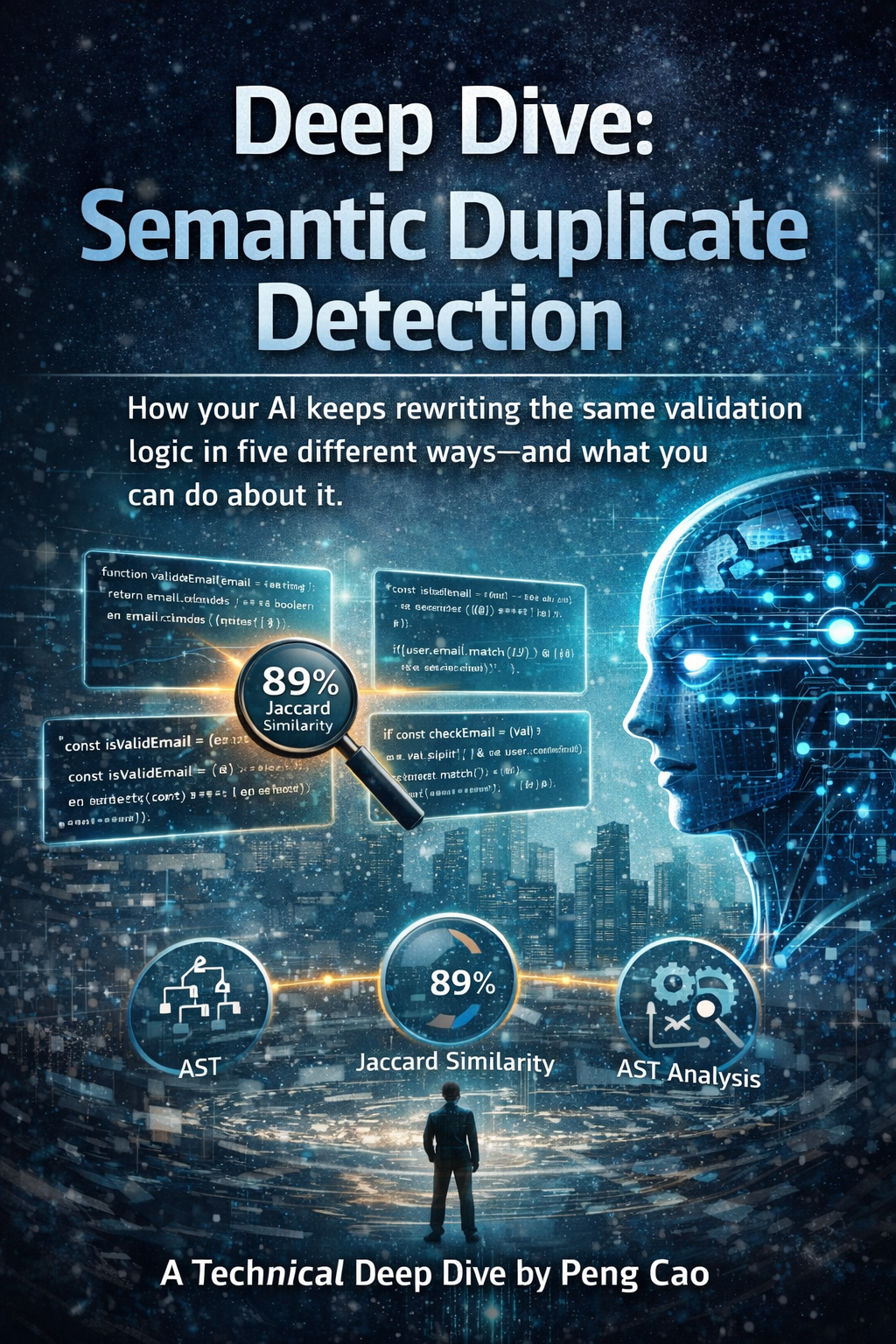
How AI models miss semantic duplicates: same logic, different syntax, invisible to traditional analysis.
The Problem: Syntax Blinds AI Models
Traditional duplicate detection tools look for exact or near-exact text matches. They catch copy-paste duplicates, but miss logic that's been rewritten with different:
- Variable names (
emailvsevsval) - Methods (
includes()vsindexOf()vsmatch()vssearch()) - Structure (inline vs function vs arrow function)
AI models suffer from the same limitation. When they scan your codebase for context, they see these five implementations as completely unrelated. Each one consumes precious context window tokens, yet provides zero new information.
Real-World Impact: The receiptclaimer Story
When I ran @aiready/pattern-detect on receiptclaimer's codebase, I found 23 semantic duplicate patterns scattered across 47 files. Here's what that looked like:
Before:
- 23 duplicate patterns (validation, formatting, error handling)
- 8,450 wasted context tokens
- AI suggestions kept reinventing existing logic
- Code reviews: "Didn't we already have this somewhere?"
After consolidation:
- 3 remaining patterns (acceptable, different contexts)
- 1,200 context tokens (85% reduction)
- AI now references existing patterns
- Faster code reviews, cleaner suggestions
The math: Each duplicate pattern cost ~367 tokens on average. When AI assistants tried to understand feature areas, they had to load multiple variations of the same logic, quickly exhausting their context window.
How It Works: Jaccard Similarity on AST Tokens
@aiready/pattern-detect uses a technique called Jaccard similarity on Abstract Syntax Tree (AST) tokens to detect semantic duplicates. Let me break that down.
Step 1: Parse to AST
First, we parse your code into an Abstract Syntax Tree—a structural representation that ignores syntax and focuses on meaning:
// Original code
function validateEmail(email) {
  return email.includes('@') && email.includes('.');
}

// AST tokens (simplified)
[
  'FunctionDeclaration',
  'Identifier:validateEmail',
  'Identifier:email',
  'ReturnStatement',
  'LogicalExpression:&&',
  'CallExpression:includes',
  'MemberExpression:email',
  'StringLiteral:@',
  'CallExpression:includes',
  'MemberExpression:email',
  'StringLiteral:.'
]
Step 2: Normalize
We normalize these tokens by:
- Removing specific identifiers (variable/function names)
- Keeping operation types (CallExpression, LogicalExpression)
- Preserving structure (nesting, flow control)
// Normalized tokens
[
  'FunctionDeclaration',
  'ReturnStatement',
  'LogicalExpression:&&',
  'CallExpression:includes',
  'StringLiteral',
  'CallExpression:includes',
  'StringLiteral'
]
Step 3: Calculate Jaccard Similarity
Jaccard similarity measures how similar two sets are:
Jaccard(A, B) = |A ∩ B| / |A ∪ B|Where:
- A ∩ B = tokens in both sets (intersection)
- A ∪ B = tokens in either set (union)
Example:
// Pattern A (normalized)
Set A = ['FunctionDeclaration', 'ReturnStatement', 'LogicalExpression:&&',
         'CallExpression:includes', 'StringLiteral']

// Pattern B (normalized)
Set B = ['FunctionDeclaration', 'ReturnStatement', 'LogicalExpression:&&',
         'CallExpression:indexOf', 'StringLiteral']

// Intersection
A ∩ B = ['FunctionDeclaration', 'ReturnStatement', 'LogicalExpression:&&',
         'StringLiteral']
|A ∩ B| = 4

// Union
A ∪ B = ['FunctionDeclaration', 'ReturnStatement', 'LogicalExpression:&&',
         'CallExpression:includes', 'CallExpression:indexOf', 'StringLiteral']
|A ∪ B| = 6

// Jaccard similarity
Jaccard(A, B) = 4 / 6 = 0.67 (67%)
By default, pattern-detect flags patterns with ≥70% similarity as duplicates. This catches most semantic duplicates while avoiding false positives.
Pattern Classification
The tool automatically classifies patterns into categories:
1. Validators
Logic that checks conditions and returns boolean:
// Pattern: Email validation
function validateEmail(email) { return email.includes('@'); }
const isValidEmail = (e) => e.indexOf('@') !== -1;
2. Formatters
Logic that transforms input to output:
// Pattern: Phone number formatting
function formatPhone(num) { return num.replace(/\D/g, ''); }
const cleanPhone = (n) => n.split('').filter(c => /\d/.test(c)).join('');
3. API Handlers
Request/response processing logic:
// Pattern: Error response handling
function handleError(err) { return { status: 500, message: err.message }; }
const errorResponse = (e) => ({ status: 500, message: e.message });
4. Utilities
General helper functions:
// Pattern: Array deduplication
function unique(arr) { return [...new Set(arr)]; }
const dedupe = (a) => Array.from(new Set(a));
*Peng Cao is the founder of receiptclaimer and creator of aiready, an open-source suite for measuring and optimizing codebases for AI adoption.*
Join the Discussion
Have questions or want to share your AI code quality story? Drop them below. I read every comment.